
The official Koin plugin for Android Studio and IntelliJ IDEA. Catch configuration errors as you write code, navigate your dependency graph, and connect your AI agent to Kotzilla to fix production issues next to the code.
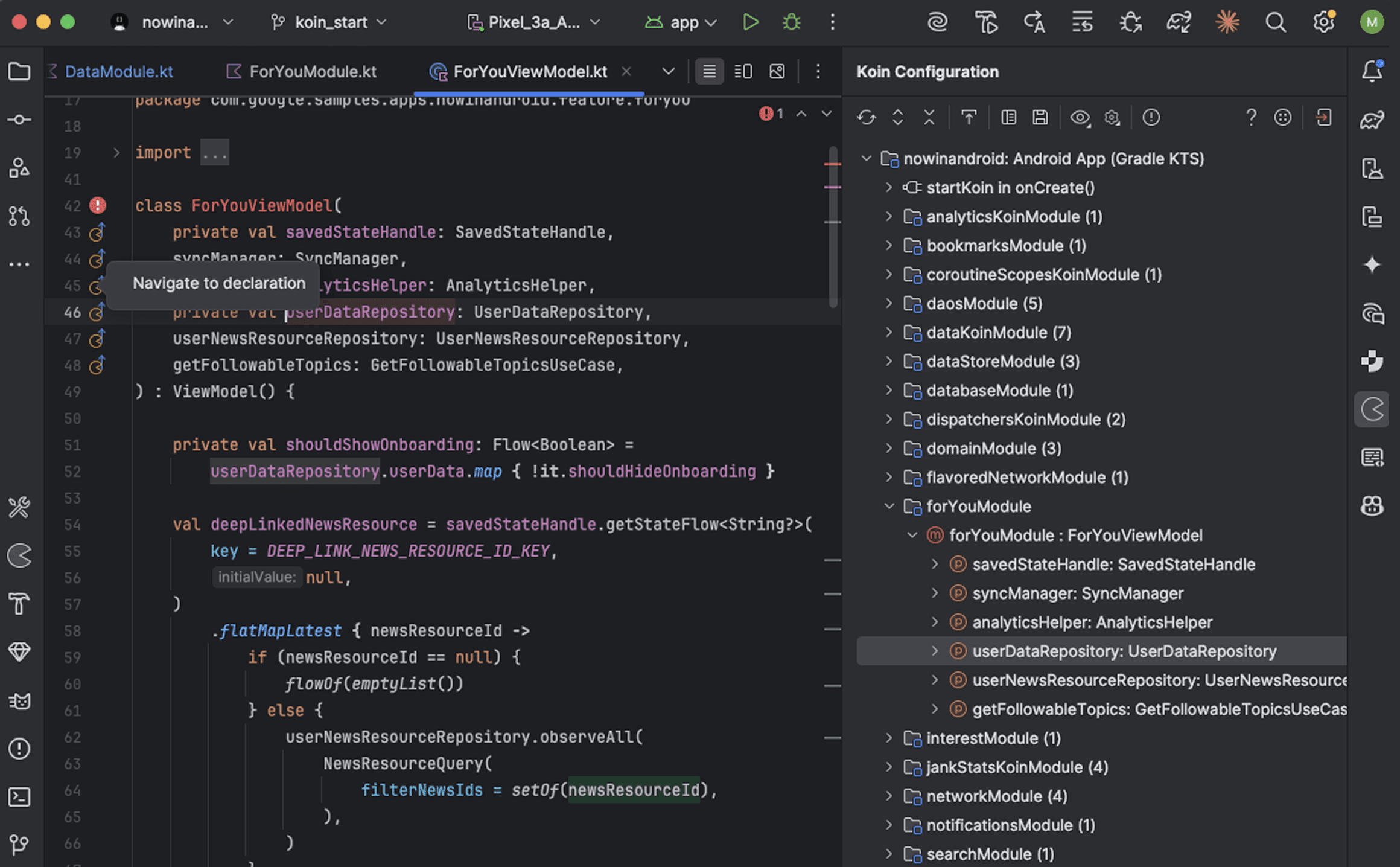
Configuration safety
A missing definition, a wrong qualifier or a scope error appears as you write code, before you build. Works with Koin DSL, Annotations, Compose and Ktor.
Your graph, navigable
Every module, component and dependency in a searchable tree view. Gutter icons take you from an injection to its definition, and back.
Production issues in context
With the Kotzilla SDK, Koin Insights lists the slow startups, ANRs and crashes from real sessions. Click one to highlight the component in your code.
Wire Claude Code, Codex, Cursor, Copilot, Junie and more to the Kotzilla MCP Server without leaving Android Studio or IntelliJ IDEA.
Pick your agents
The plugin detects the AI agents installed on your machine, 11 supported today. Check the ones to connect, or disconnect them later from the same place.
Choose the scope
Connect for your user, everywhere, or only for this project, for agents that support repository config.
Fix from your IDE
Your agent gets your app’s dependency structure and its real production behavior, and every issue comes with a prompt ready to run.
MK
Mirzamehdi Karimov
JetBrains Marketplace review
“Amazing! Finally, I can easily configure DI without runtime class missing issues. Thanks, Kotzilla Team!”
★★★★★
40K+
downloads on the JetBrains Marketplace
Official
Koin plugin, built by the team behind Koin